Why people fall for it
The QChord has its own little scene.
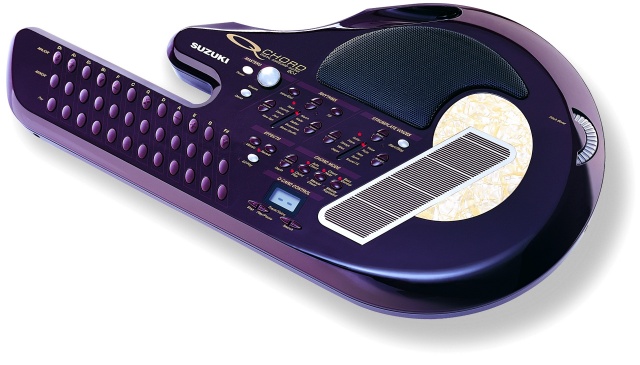
Many modern QChord players are discovering it through each other: short performances, bedroom covers, gentle original songs and that unmistakable burgundy shape held almost like an autoharp.
The favourite setup is often simple: soft pad strings on the chord buttons, a harp-like strumplate voice and little or no automatic rhythm. It lets a beginner sound musical quickly, but still gives performers a warm texture that sits beautifully behind a voice.
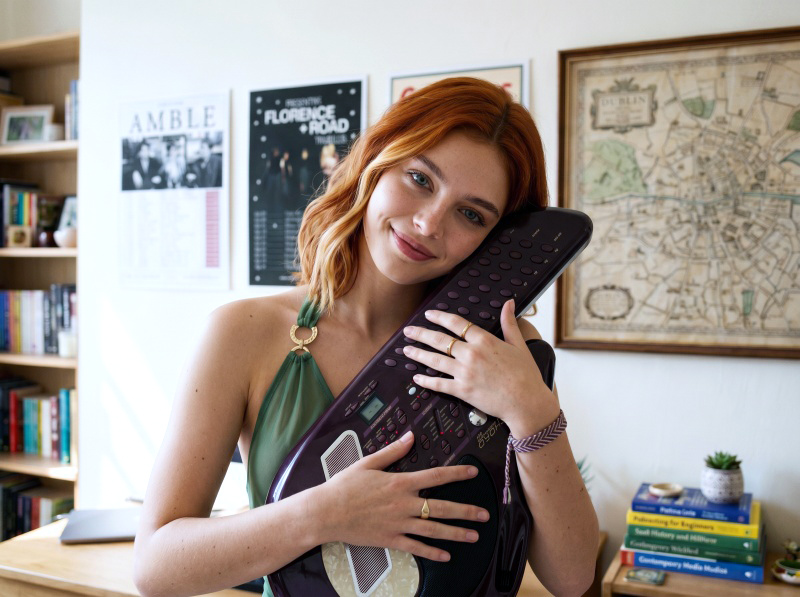
Hold a chord and let the QChord make a warm string pad underneath your singing.
Brush the strumplate and it plays notes that fit the chord you are holding.
Look up guitar chords for a song, press the matching QChord buttons and start gently.
You do not need to read music to make something pretty in the first few minutes.
Line out/headphones make it useful for recording, amplification and quiet practice.
There are 100 strumplate voices, including harp, strings, pads, synths and effects.
Plain English features
What is inside?
- 84 chord combinations from the 36 soft-touch chord buttons.
- 100 General MIDI voices for melody and strumplate sounds.
- Effects including reverb, chorus, vibrato and pitch bend.
- MIDI In and Out for players who want to connect other equipment.
- QCard slot for the original song and rhythm cartridges.
Next step
Find the harp, pad and synth voices.
The QChord has many lovely strumplate voices that are easy to miss. The quick start page includes Darren and Aisling's video guide plus a clean list of all 100 sounds.
Open the voice guide